

1.Packqges (Tech Preview) Installation via pkgbase / new method
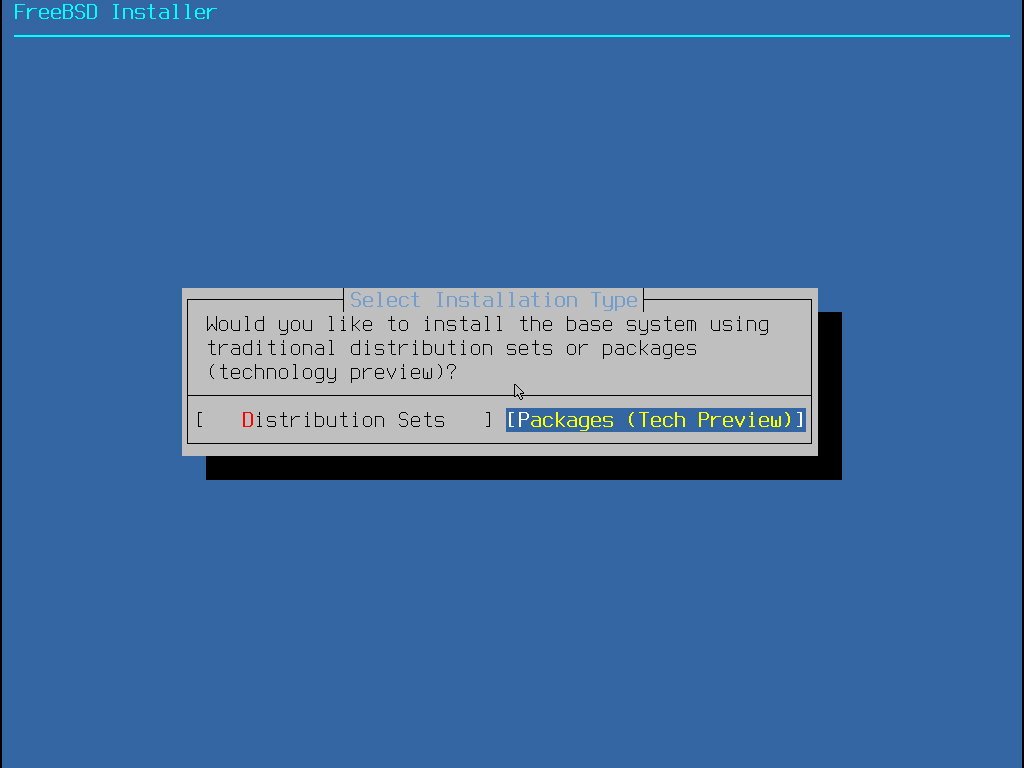
2.Selecting "Network" will take you to "3. Network".
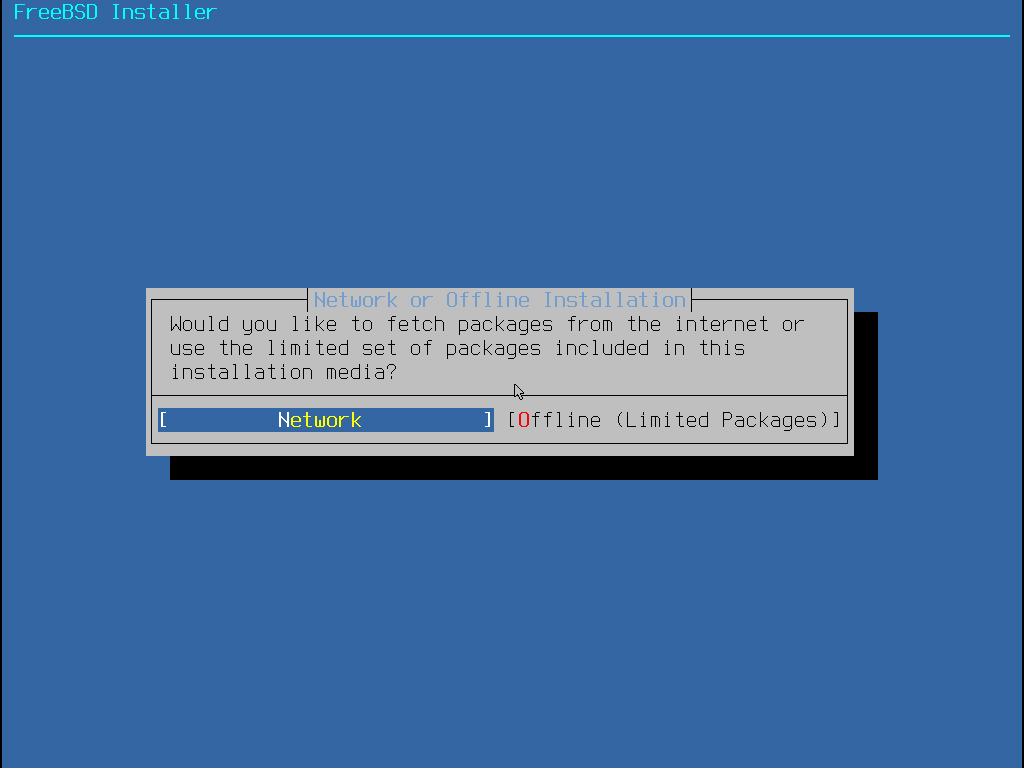
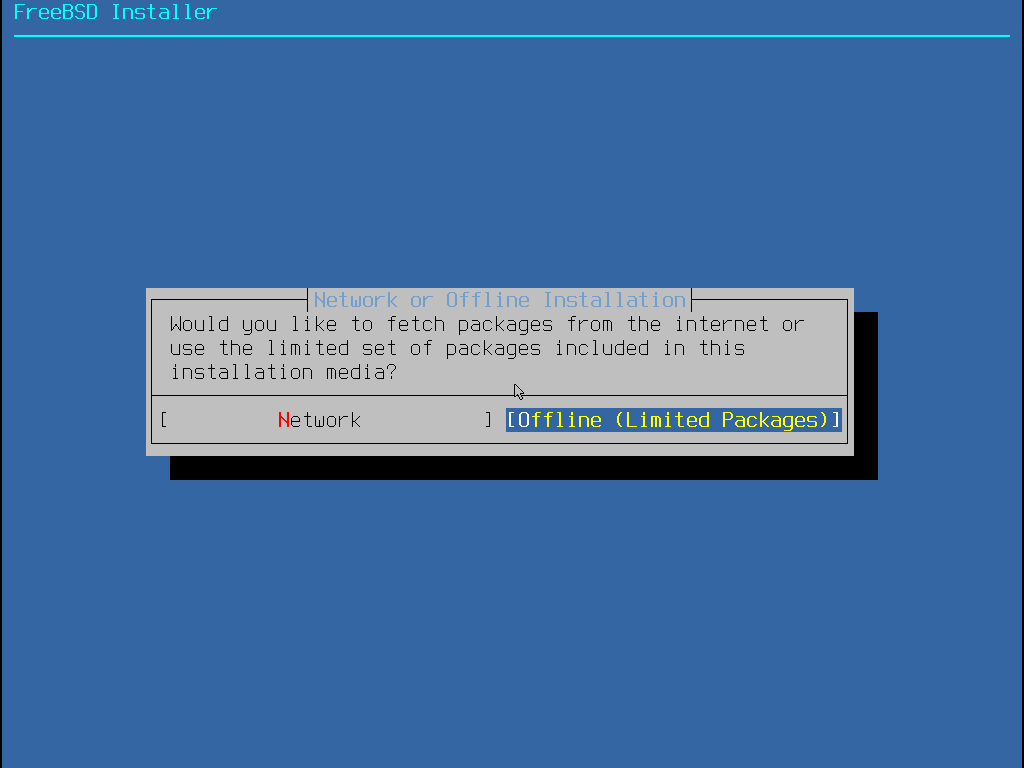
Here, selecting Offline (Limited Packages) as shown below will proceed to step 4: Partition Settings.
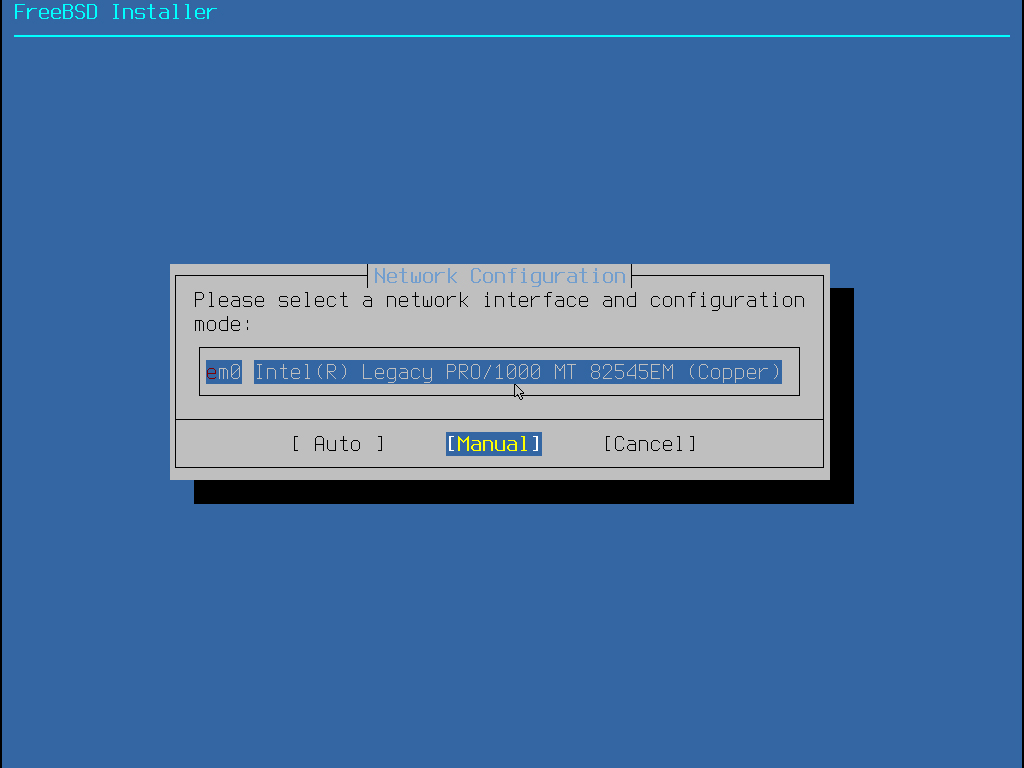
3.Network Settings
When you select "Manual".
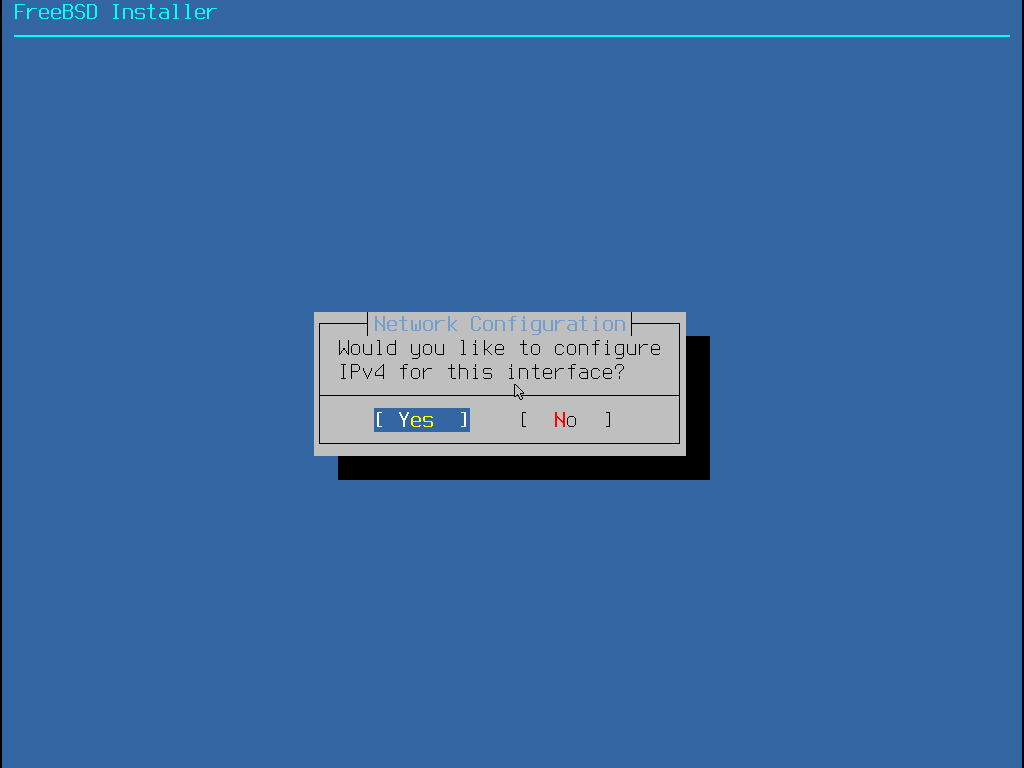
Settings such as the use of "IPv4," "IPv6," and "DHCP"
This time, we will use IPv4 and not IPv6. We will also configure a static IP address instead of using DHCP.
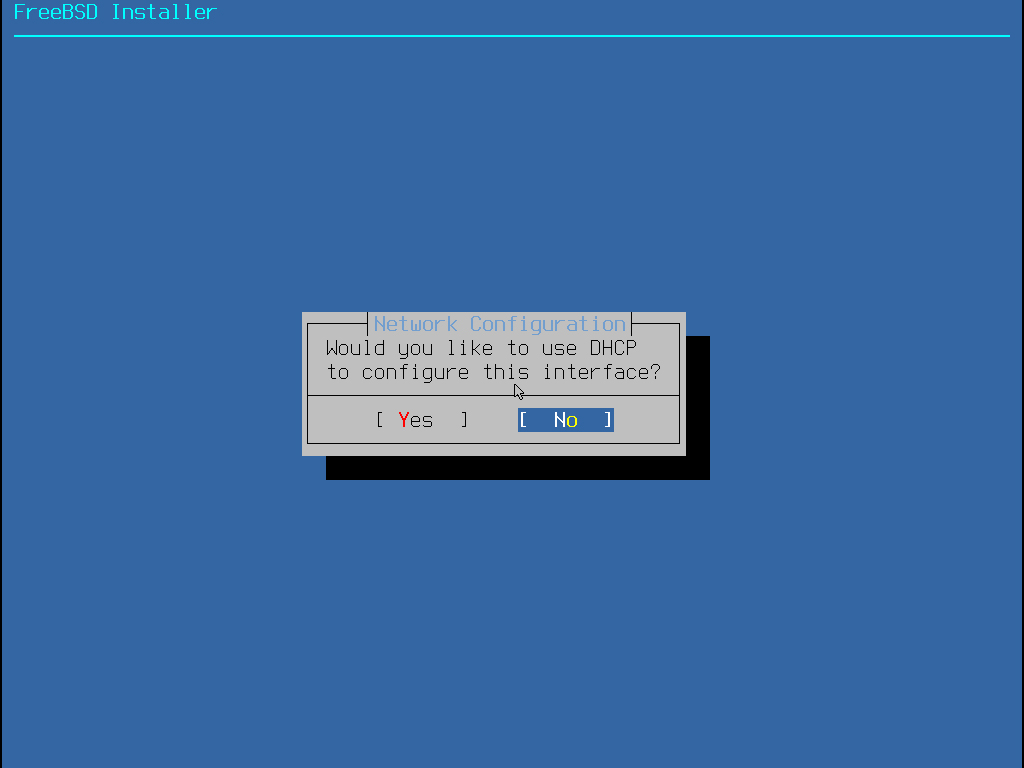
Since we are not using DHCP, select "No."
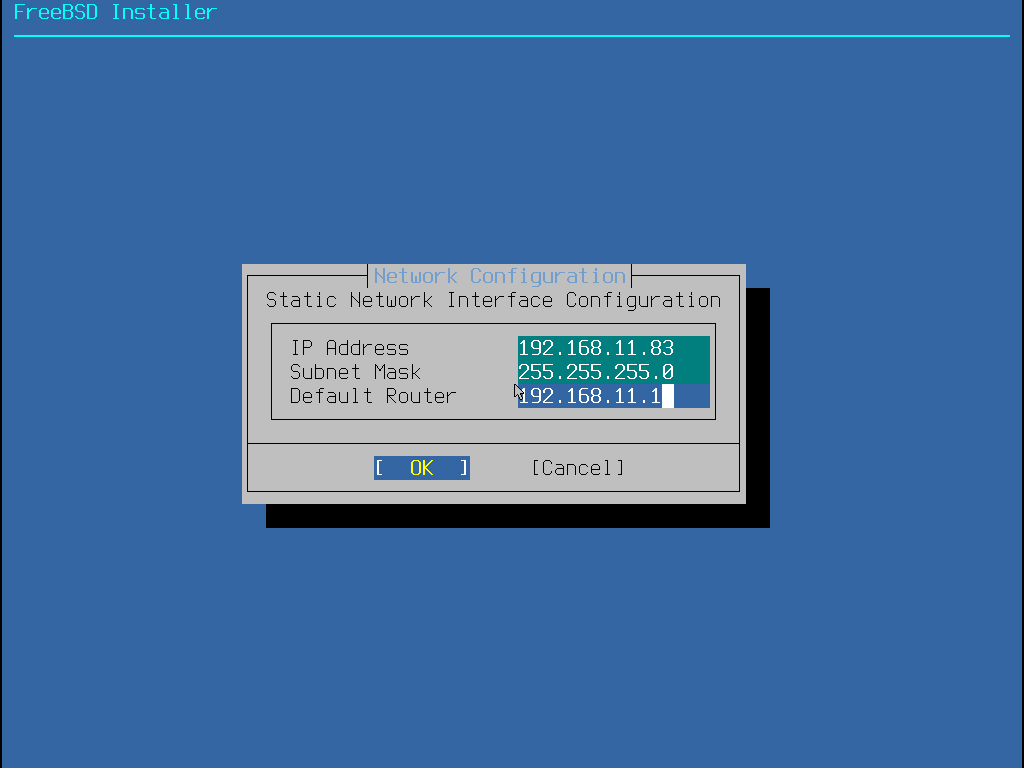
Set the IP address, subnet mask, and default router as follows:
The default router is usually the router's address.
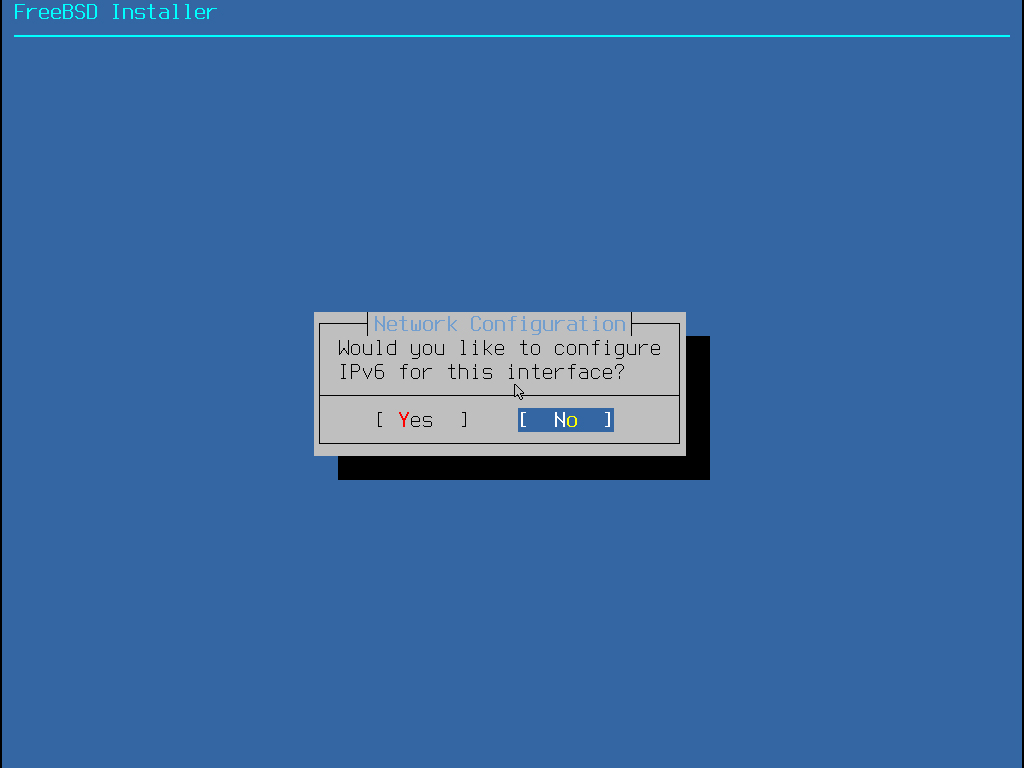
Since I don't use IPv6, select "No."
Configure only IPv4 DNS #1
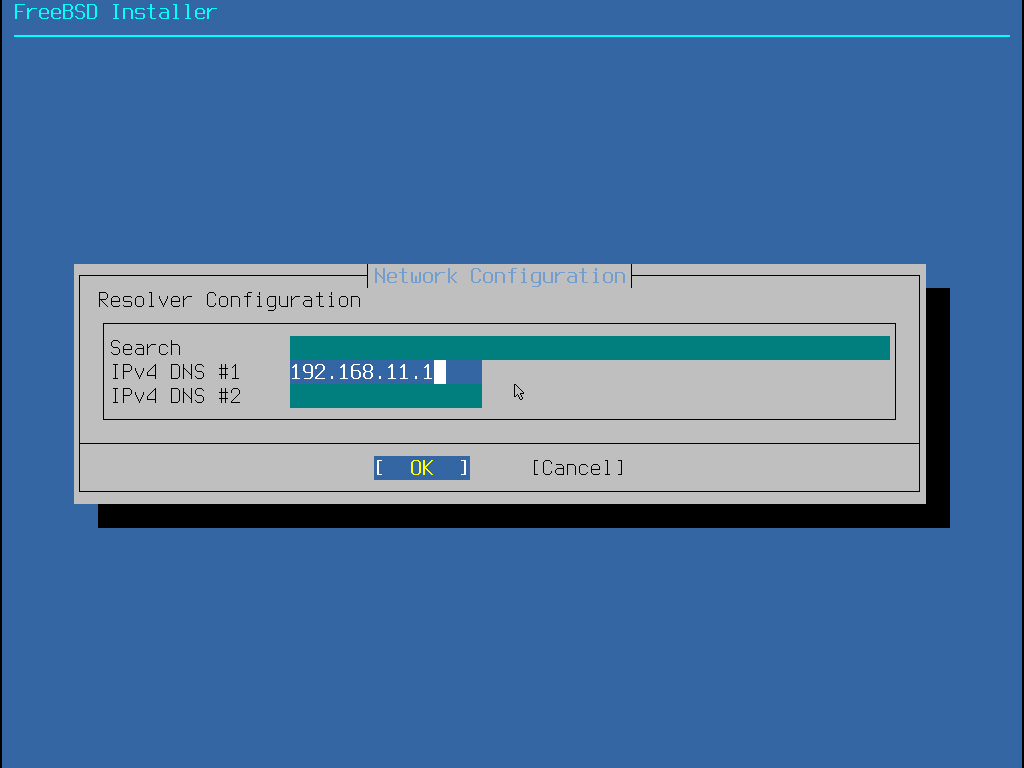
4.Partition Settings
Select "Auto (ZFS)"
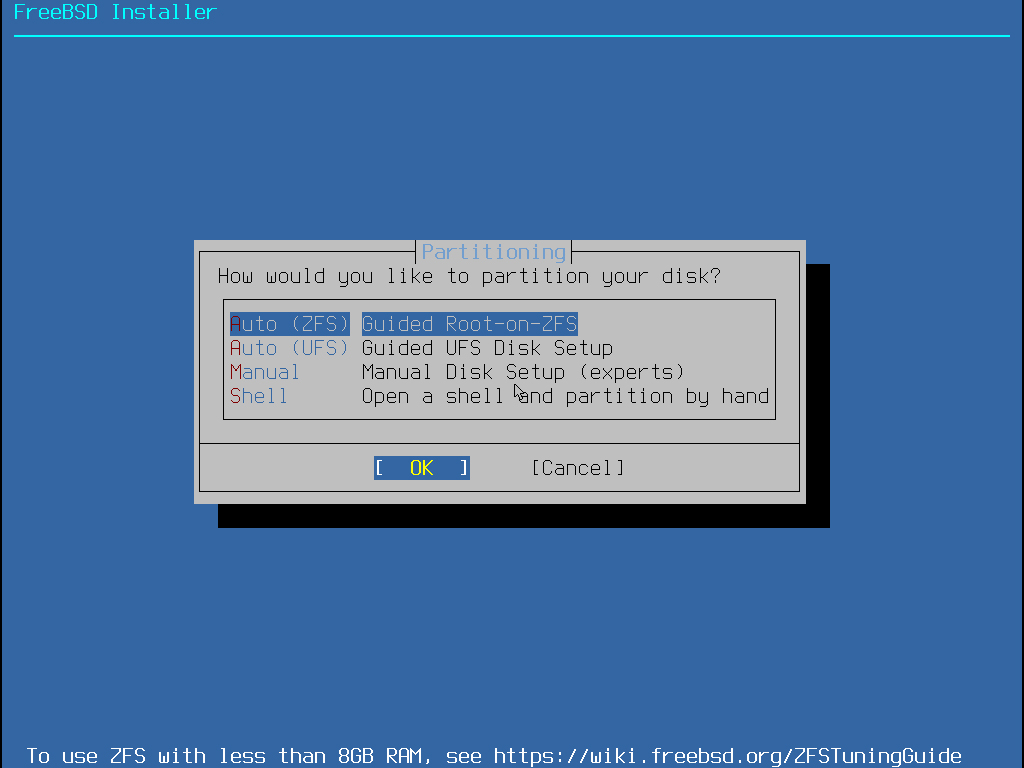
Select "Install" and then "Select"
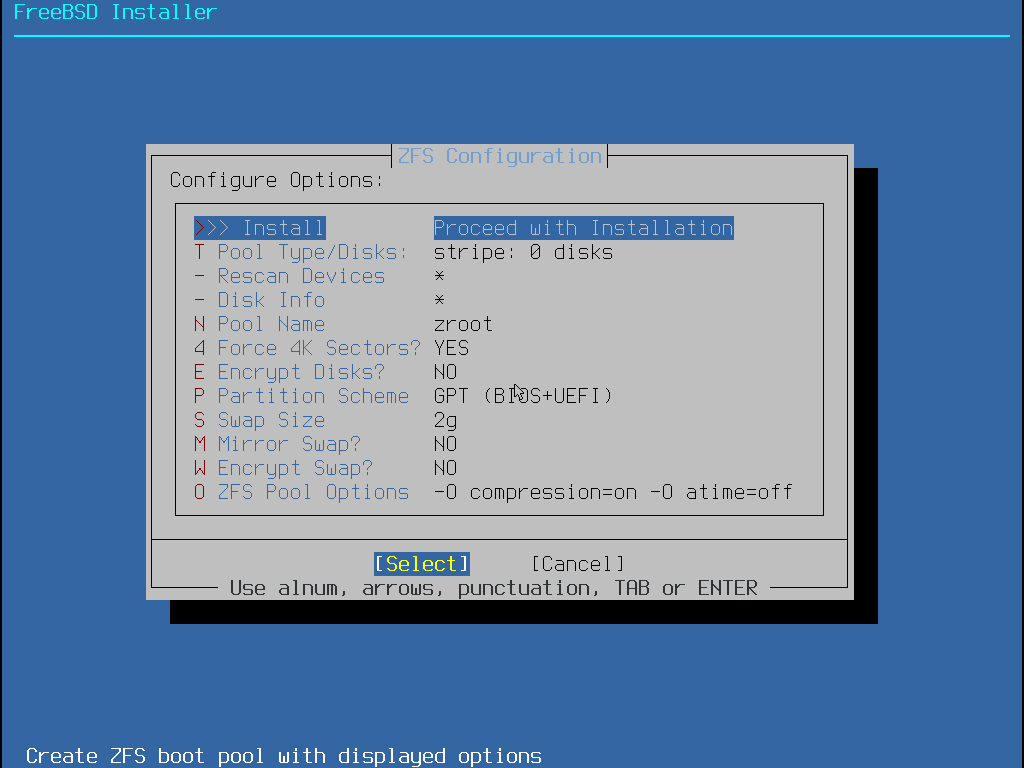
Select Stripe, then click "OK"
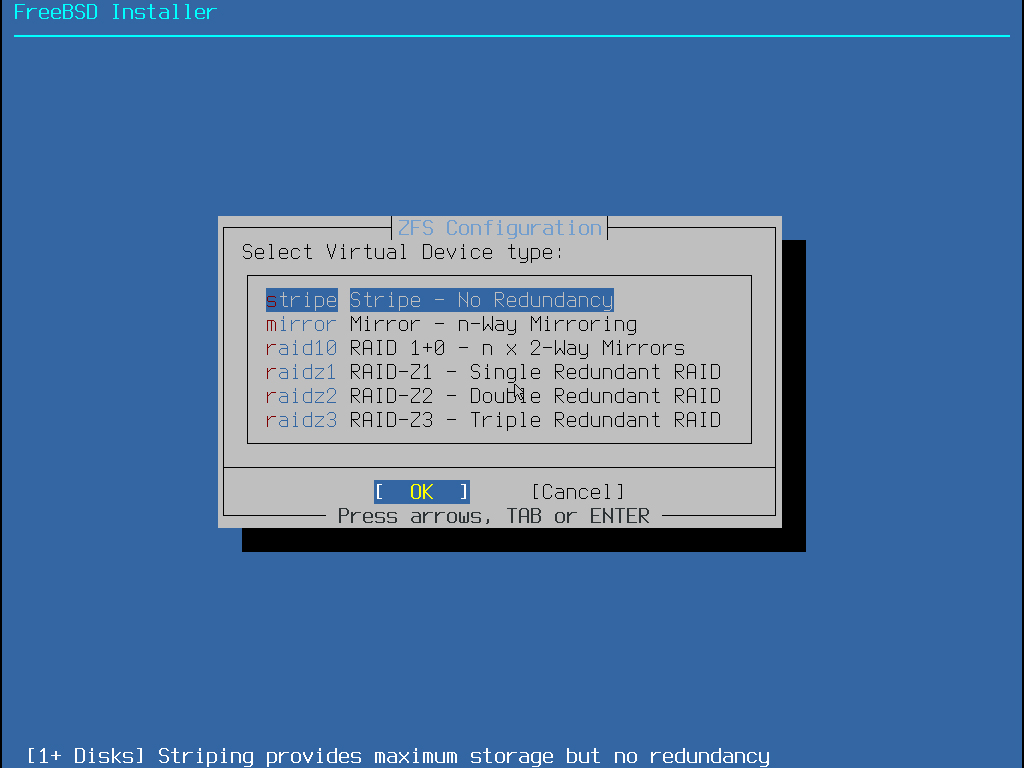
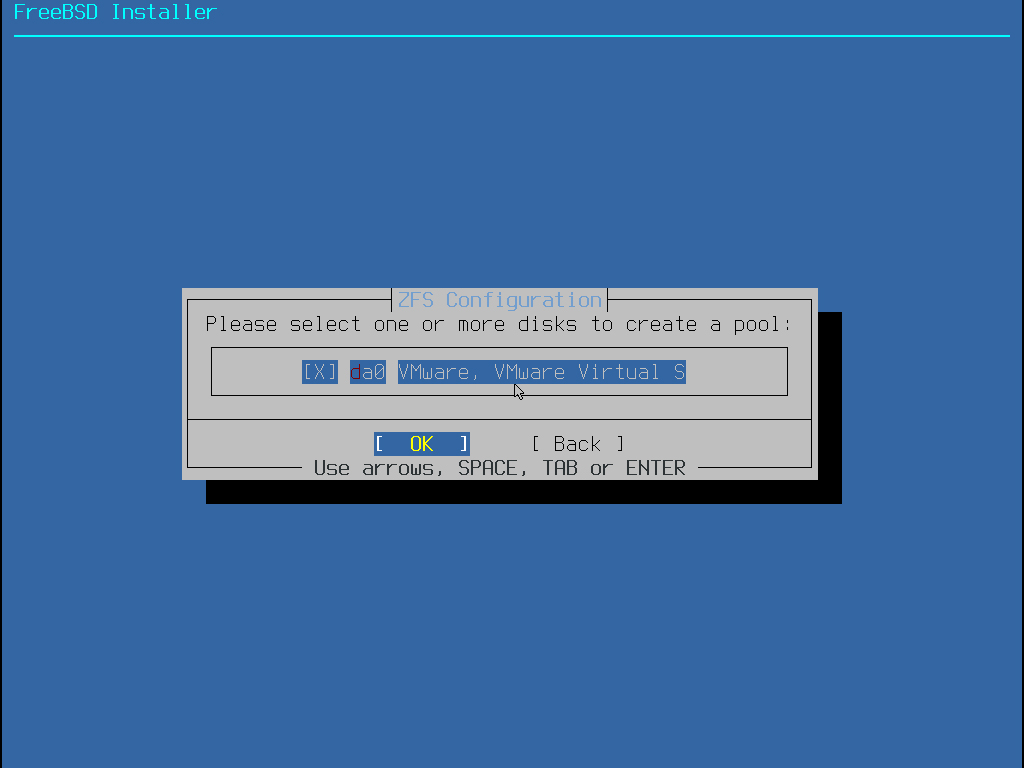
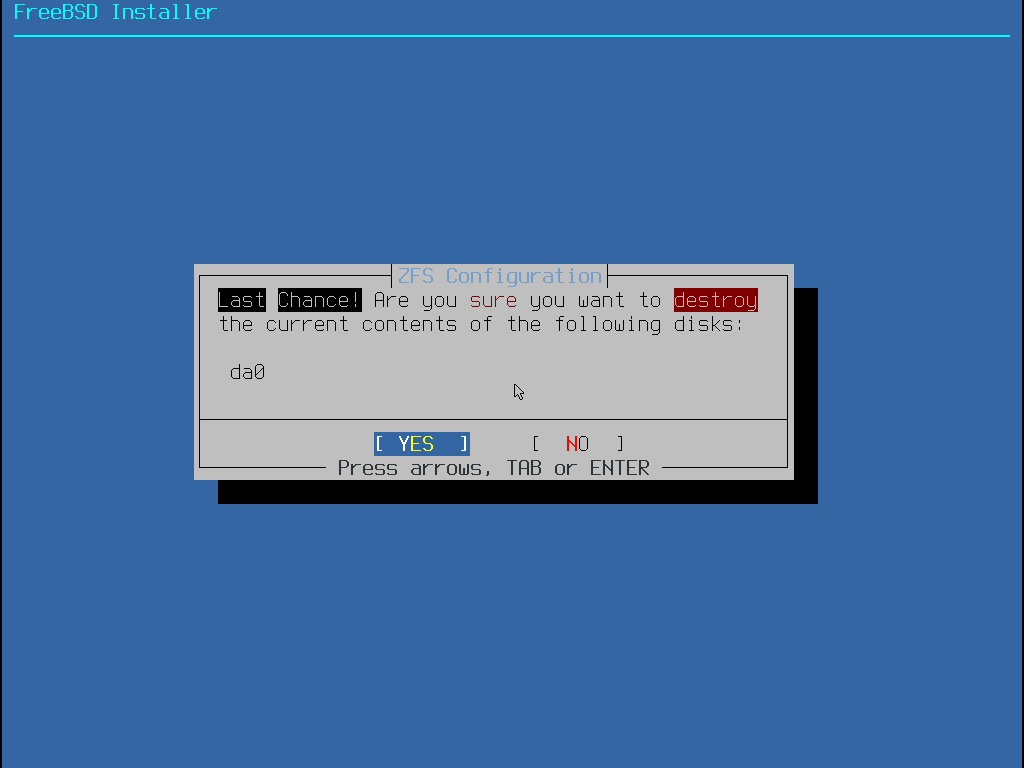
Select the displayed disk, press the spacebar to check it, and click "OK."
5.Selecting the Installation Package
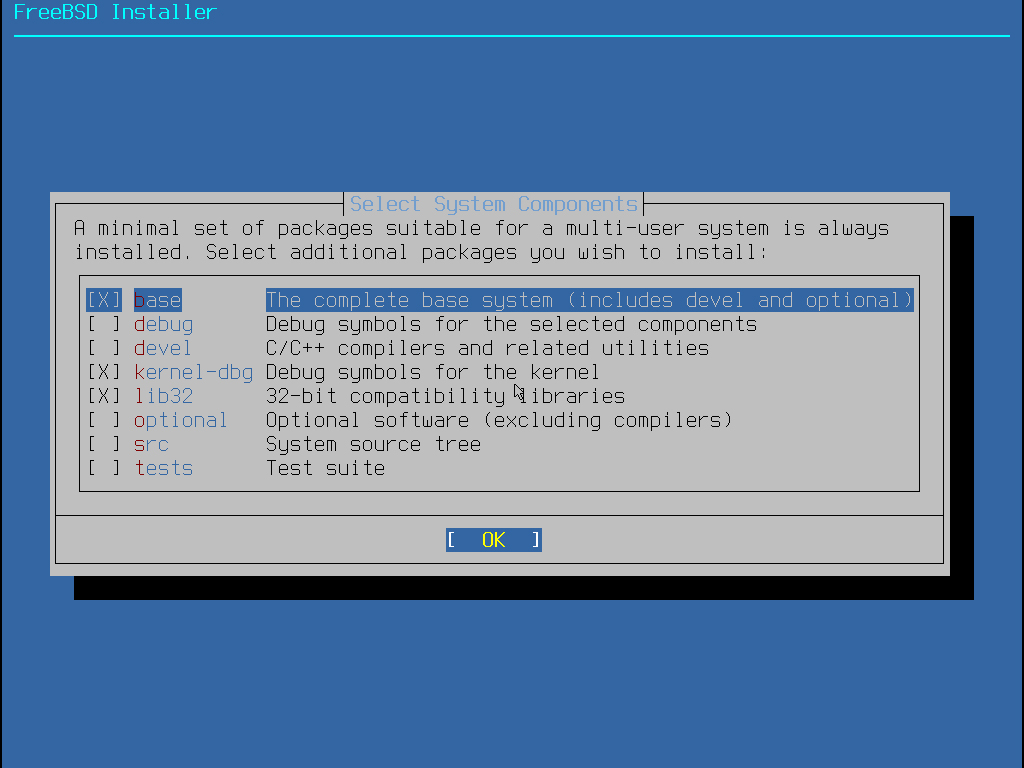
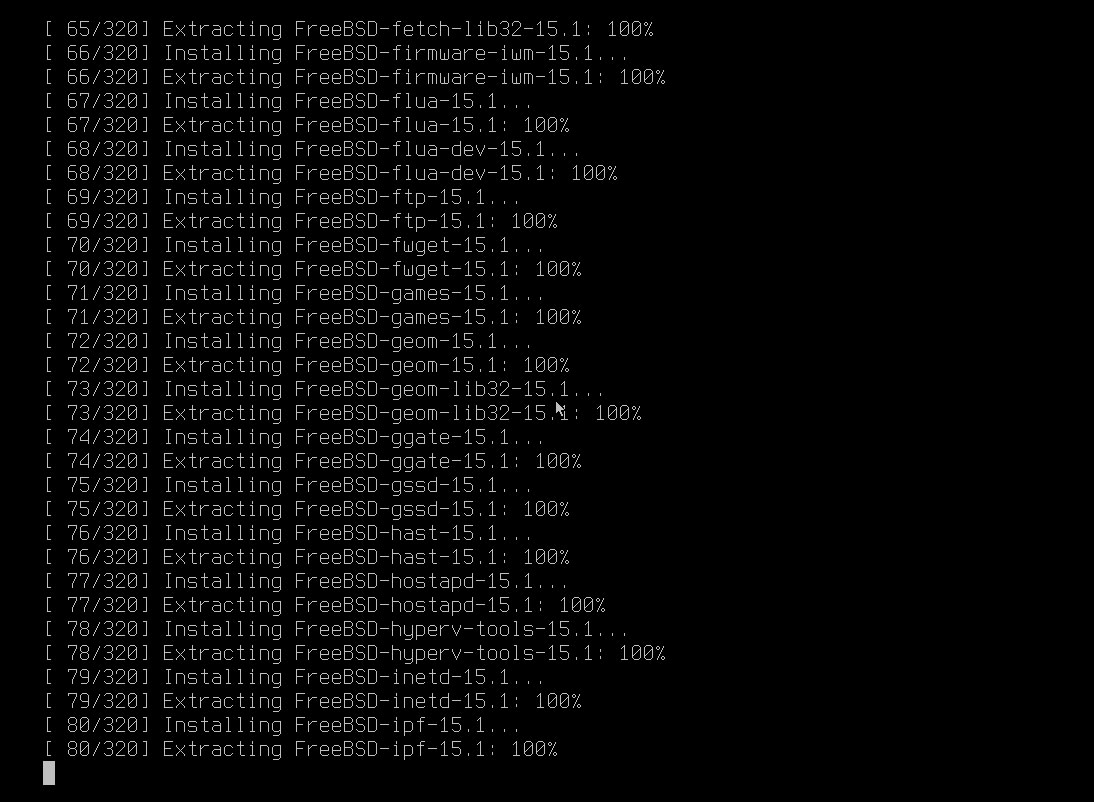
Once you've selected what to install, the file extraction process will be displayed on the console.
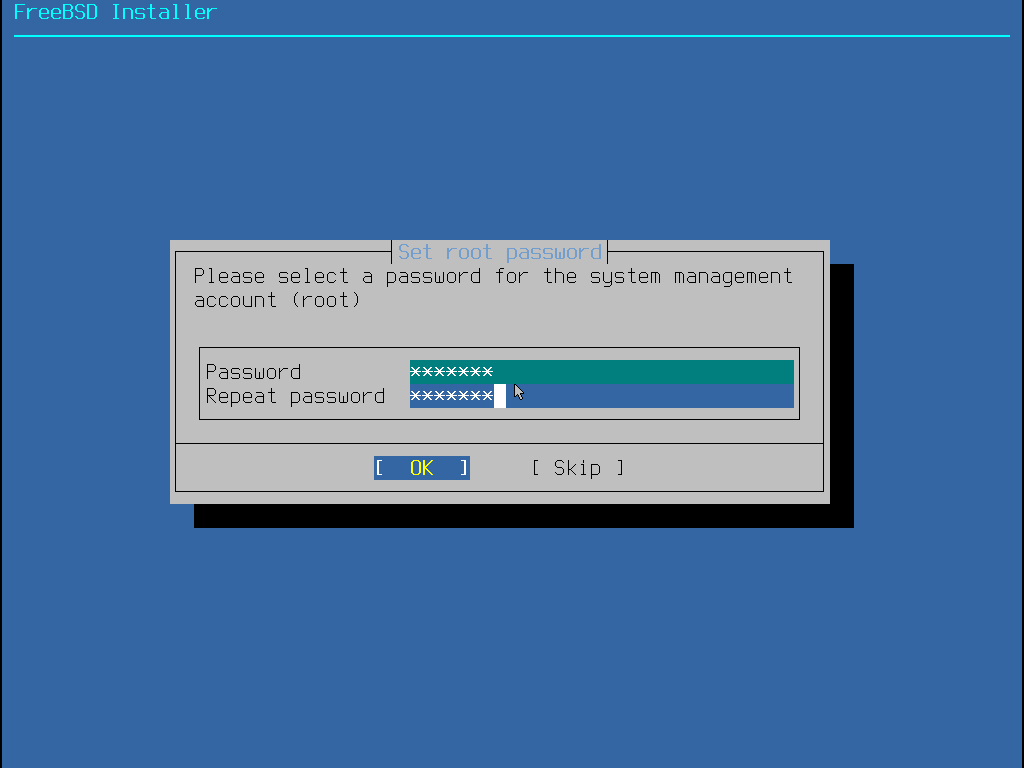
6.Setting the root password
From here on, use https://korodes.com/bsd15-1_en_01/