1.Apache2 Install , Virtual Host Configuration
1.1 Apache2 Install
①httpd Install
# dnf -y install httpd
Version Check
# httpd -v
Server version: Apache/2.4.63 (Rocky Linux)
Server built:   Feb 12 2026 00:00:00
1.2 Apache Configuration
①Edit httpd.conf file
# cp /etc/httpd/conf/httpd.conf /etc/httpd/conf/httpd.conf_org

# vi /etc/httpd/conf/httpd.conf
Line 91: Administrator Address Specification
ServerAdmin [Email Address]

Line 101 : Adding a ServerName
#ServerName www.example.com:80
ServerName [domain]

Line 149 : Change (IIndexes are deleted)
Options FollowSymLinks

Line 156 : Chqnge
AllowOverride All

Line 170 : Add filenames accessible by directory name only
DirectoryIndex index.html index.php index.cgi

Add to the last line
ServerTokens Prod
②Firewalld is enabled, HTTP service permission is required; HTTP uses [80/TCP]
# firewall-cmd --add-service=http --permanent
# firewall-cmd --reload
③Apache Auto-Start Configuration
# systemctl start httpd
# systemctl enable httpd
# systemctl status httpd
● httpd.service - The Apache HTTP Server
     Loaded: loaded (/usr/lib/systemd/system/httpd.service; enabled; preset: disabled)
     Active: active (running) since Wed 2026-06-03 08:54:47 JST; 15s ago
 Invocation: 35d1e7013b7548b19c76cd4ee8c388e7
       Docs: man:httpd.service(8)
   Main PID: 6668 (httpd)
     Status: "Total requests: 0; Idle/Busy workers 100/0;Requests/sec: 0; Bytes served/sec:   0 >
      Tasks: 177 (limit: 22808)
     Memory: 14.1M (peak: 14.3M)
        CPU: 74ms
     CGroup: /system.slice/httpd.service
             ├─6668 /usr/sbin/httpd -DFOREGROUND
             ├─6669 /usr/sbin/httpd -DFOREGROUND
             ├─6670 /usr/sbin/httpd -DFOREGROUND
             ├─6671 /usr/sbin/httpd -DFOREGROUND
             └─6679 /usr/sbin/httpd -DFOREGROUND

Jun 03 08:54:47 Lepard systemd[1]: Starting httpd.service - The Apache HTTP Server...
Jun 03 08:54:47 Lepard (httpd)[6668]: httpd.service: Referenced but unset environment variable e>
Jun 03 08:54:47 Lepard httpd[6668]: Server configured, listening on: port 80
Jun 03 08:54:47 Lepard systemd[1]: Started httpd.service - The Apache HTTP Server.
httpd.service: Referenced but unset environment variable evaluates to an empty string: OPTIONS
The above is displayed. The Apache service is running, but it feels unsettling, so I configured it as follows to prevent recurrence.
# vi /etc/systemd/system/httpd.service.d/override.conf

Please fill in the following
[Service]
  ExecStart=
  ExecStart=/usr/sbin/httpd -DFOREGROUND
# systemctl daemon-reload
# systemctl restart httpd
# systemctl status httpd
● httpd.service - The Apache HTTP Server
     Loaded: loaded (/usr/lib/systemd/system/httpd.service; enabled; preset: disabled)
    Drop-In: /etc/systemd/system/httpd.service.d
             └─override.conf
     Active: active (running) since Wed 2026-06-03 08:57:44 JST; 4s ago
 Invocation: 86a0e25001144d7a9d16f3acf7c3065d
       Docs: man:httpd.service(8)
   Main PID: 7085 (httpd)
     Status: "Started, listening on: port 80"
      Tasks: 177 (limit: 22808)
     Memory: 13.3M (peak: 13.7M)
        CPU: 68ms
     CGroup: /system.slice/httpd.service
             ├─7085 /usr/sbin/httpd -DFOREGROUND
             ├─7086 /usr/sbin/httpd -DFOREGROUND
             ├─7087 /usr/sbin/httpd -DFOREGROUND
             ├─7088 /usr/sbin/httpd -DFOREGROUND
             └─7089 /usr/sbin/httpd -DFOREGROUND

Jun 03 08:57:44 Lepard systemd[1]: Starting httpd.service - The Apache HTTP Server...
Jun 03 08:57:44 Lepard httpd[7085]: Server configured, listening on: port 80
Jun 03 08:57:44 Lepard systemd[1]: Started httpd.service - The Apache HTTP Server.
④operation check
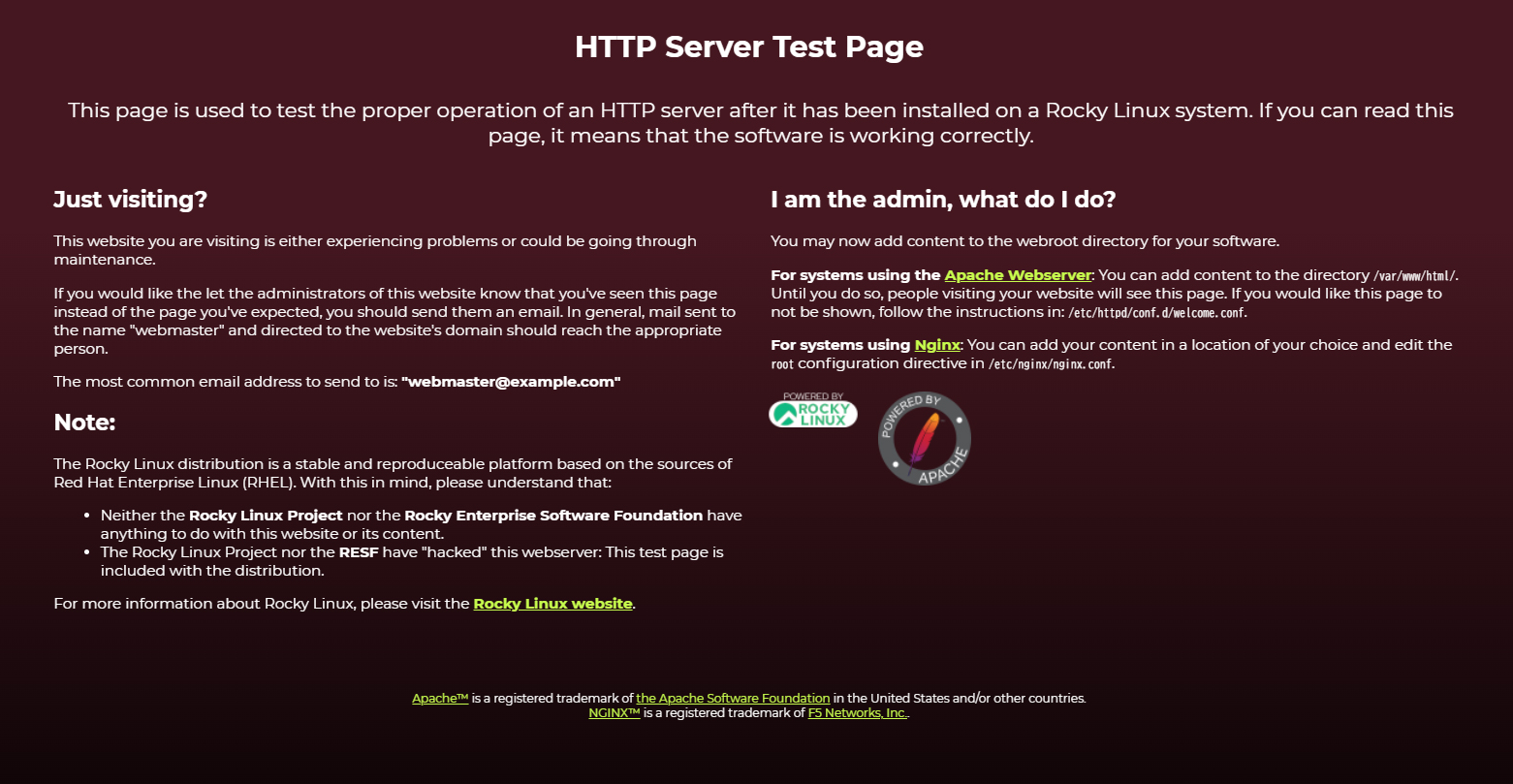
If you access http://[server IP address] and see the Test Page as shown below, it is OK.
⑤Hide the Welcome page, create a new index.html file as a Test Page, and check apache operation
Rename the welcome page
# mv /etc/httpd/conf.d/welcome.conf /etc/httpd/conf.d/welcome.conf.org
Create HTML test page
# vi /var/www/html/index.html

Please describe the following
<html>
<body>
<div style="width: 100%; font-size: 40px; font-weight: bold; text-align: center;">
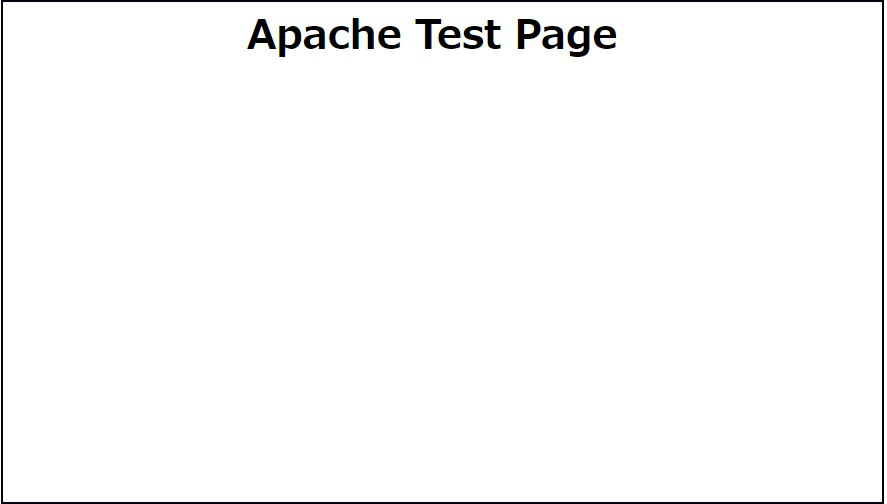
Apache Test Page
</div>
</body>
</html>
If you access http://[server IP] and the Test Page is displayed as shown below, it is OK.
1.3 Virtual Host Settings
Assign and configure the domain name [FQDN] to the document root [/var/www/html/FQDN] directory for virtual host operation
# vi /etc/httpd/conf.d/vhost.conf

Please describe the following(Virtual Host Domain Settings)
<VirtualHost *:80>
DocumentRoot /var/www/html/[FQDN]
ServerName [FQDN]
ServerAdmin <Email Address> ←Administrator's email address
ErrorLog logs/[FQDN].error_log
CustomLog logs/[FQDN].access_log combined
</VirtualHost>

<Directory "/var/www/html/[FQDN]">
Options FollowSymLinks
AllowOverride All
</Directory>
Creating a Document Directory
# mkdir /var/www/html/[FQDN]
Restart Apache
# systemctl restart httpd
2. Use of CGI Scripts
①CGI availability check
# grep -n "^ *ScriptAlias" /etc/httpd/conf/httpd.conf
252:    ScriptAlias /cgi-bin/ "/var/www/cgi-bin/"
The above is displayed and available under "/var/www/cgi-bin/".
②Create test scripts and check operation
# vi /var/www/cgi-bin/index.cgi

Please describe the following
#!/usr/libexec/platform-python
print("Content-type: text/html\n")
print("CGI Script Test Page")
# chmod 755 /var/www/cgi-bin/index.cgi
# curl localhost/cgi-bin/index.cgi
CGI Script Test Page
3. PHP installation and configuration
3.1.PHP8 Install
①Install
# dnf -y install php
②Version Check
# php -v

PHP 8.3.29 (cli) (built: Dec 16 2025 14:32:42) (NTS gcc x86_64)
Copyright (c) The PHP Group
Zend Engine v4.3.29, Copyright (c) Zend Technologies
    with Zend OPcache v8.3.29, Copyright (c), by Zend Technologies
Enabling and starting php-fpm
# systemctl enable php-fpm
Created symlink '/etc/systemd/system/multi-user.target.wants/php-fpm.service' → '/usr/lib/systemd/system/php-fpm.service'.

# systemctl start php-fpm
③Apache Restart
After PHP installation, restarting Apache will invoke PHP-FPM (FPM : FastCGI Process Manager) by default, and php-fpm service will be started in conjunction with httpd startup.
# systemctl restart httpd
# systemctl status php-fpm
● php-fpm.service - The PHP FastCGI Process Manager
     Loaded: loaded (/usr/lib/systemd/system/php-fpm.service; enabled; preset: disabled)
     Active: active (running) since Wed 2026-06-03 09:08:05 JST; 42s ago
 Invocation: a9aa1e8ceaac411d995ed46d54aaf7c8
   Main PID: 8322 (php-fpm)
     Status: "Processes active: 0, idle: 5, Requests: 0, slow: 0, Traffic: 0.00req/sec"
      Tasks: 6 (limit: 22808)
     Memory: 13M (peak: 13.4M)
        CPU: 42ms
     CGroup: /system.slice/php-fpm.service
             ├─8322 "php-fpm: master process (/etc/php-fpm.conf)"
             ├─8324 "php-fpm: pool www"
             ├─8325 "php-fpm: pool www"
             ├─8326 "php-fpm: pool www"
             ├─8327 "php-fpm: pool www"
             └─8328 "php-fpm: pool www"

Jun 03 09:08:05 Lepard systemd[1]: Starting php-fpm.service - The PHP FastCGI Process Manager...
Jun 03 09:08:05 Lepard systemd[1]: Started php-fpm.service - The PHP FastCGI Process Manager.
④Confirmation of PHP operation
Create the following files
# vi /var/www/html/[FQDN]/info.php

Please describe the following
<?php phpinfo(); ?>
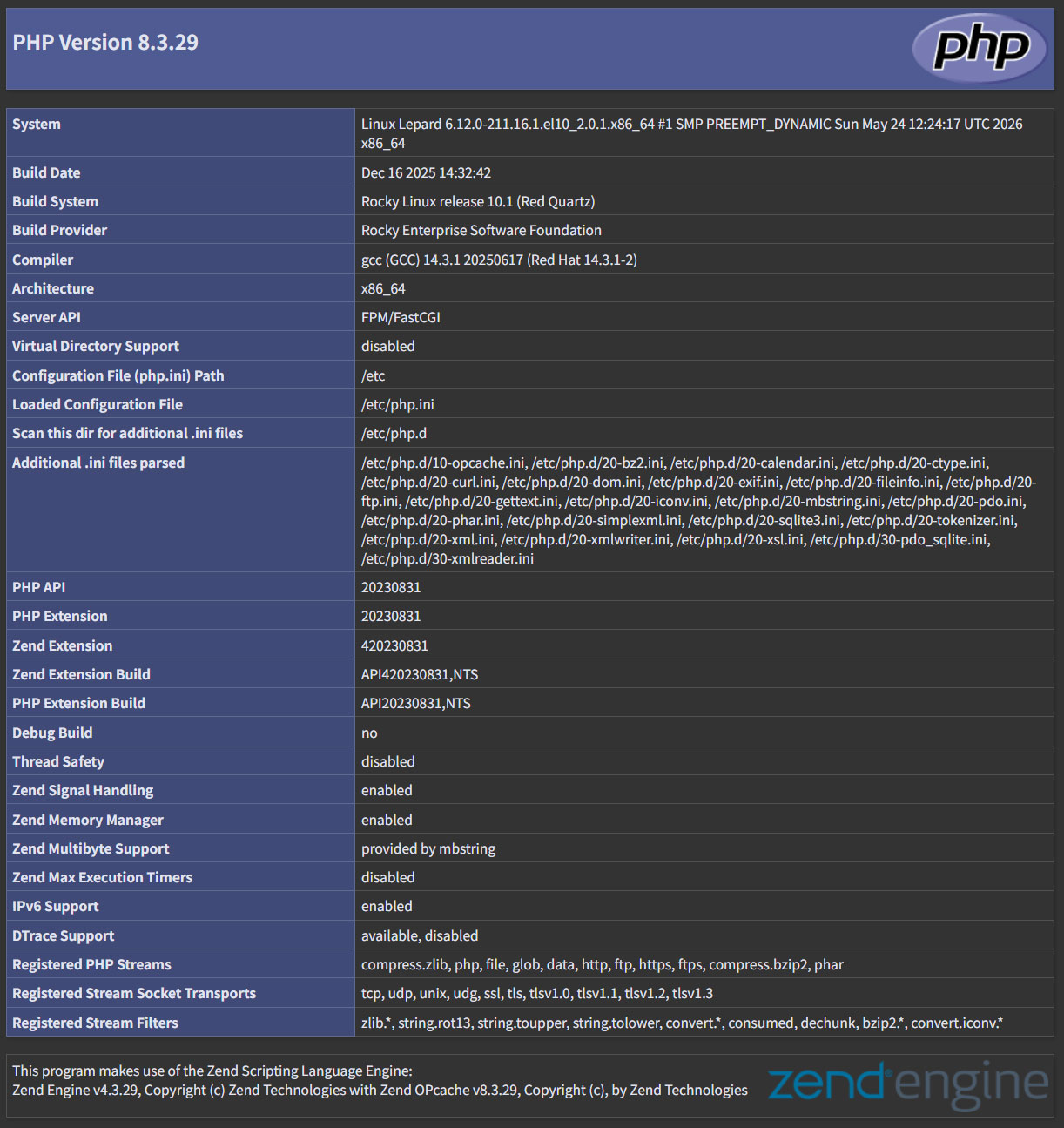
If you access http://[FQDN]/info.php in your browser and see the following screen, it is OK
4. Digest authentication with Apache2
Since Basic Authentication, a well-known authentication authorization method for http, sends authentication information in plain text, there is a risk of ID and password leakage if the packet is intercepted.
On the other hand, Digest Authentication encrypts and transmits authentication information, so there is almost no risk of information leakage.
4.1 Create password file for Digest authentication
Specify an authenticated area called realm. This realm allows the same directory to be accessed as authenticated.
For this example, the realm is "DigestAuth" and a user and password file named "secretuser" ".digestauth" is created.
# /usr/bin/htdigest -c /etc/httpd/.digestauth "DigestAuth" secretuser
New password:
Re-type new password:
Confirmation
# cat /etc/httpd/.digestauth
secretuser:DigestAuth:xxxxxxxxxxxxxxxxxxxxxxxxxxxxxxxxxx
As above, secretuser and encrypted password are created
4.2 Edit Apache configuration file
Specify the directory to which Digest authentication will be applied. (In this case, specify the "secret" directory.)
# vi /etc/httpd/conf/httpd.conf

Add the following at the end
<Directory "/var/www/html/[FQDN]/secret">
AuthType Digest
AuthName "DigestAuth"
AuthDigestDomain /[FQDN]/secret/
AuthUserFile "/etc/httpd/.digestauth"
Require valid-user
</Directory>
Create a directory for Digest authentication
# mkdir /var/www/html/[FQDN]/secret
Enable Digest authentication and reboot
# systemctl restart httpd.service
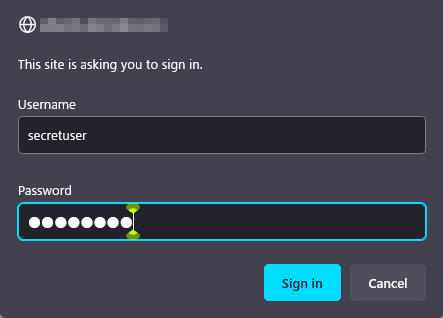
When accessing http://[FQDN]/secret with a browser, a screen appears asking for "user name" and "password".