Contents
1. Apache2
1.1 Install
|
1 |
# pkg install apache24 |
1.2 apache24 - setting
①extra/httpd-default.conf editing
|
1 2 3 4 5 6 7 8 |
# vi /usr/local/etc/apache24/extra/httpd-default.conf For security purposes, change the settings as follows Line 55 ServerTokens ProductOnly Line 75 HostnameLookups On |
➁httpd.conf editing
|
1 2 3 4 5 6 7 8 9 10 11 12 13 14 15 16 17 |
# vi /usr/local/etc/apache24/httpd.conf Line 160 : Uncomment LoadModule dav_module libexec/apache24/mod_dav.so Line 217 : Change to administrator's email address ServerAdmin [administrator's email address] Line 226 : Define the domain name of the serve ServerName [domain name] Line 264 : Delete “Indexes" Options FollowSymLinks To enable the setting to “/usr/local/etc/apache24/extra/httpd-default.conf” configured in the previous section, delete “#” at the beginning of the following and enable “Include”. Line 518 : Uncomment Include etc/apache24/extra/httpd-default.conf |
1.3 Start apache
Enable automatic apache startup
|
1 2 |
# service apache24 enable apache24 enabled in /etc/rc.conf |
Scripts for startup and shutdown are located in /usr/local/etc/rc.d/apache24
Check the configuration file
If the description is correct, "Syntax OK" is printed.
|
1 2 3 |
# service apache24 configtest Performing sanity check on apache24 configuration: Syntax OK |
Apache start
|
1 2 3 4 |
# service apache24 start Performing sanity check on apache24 configuration: Syntax OK Starting apache24. |
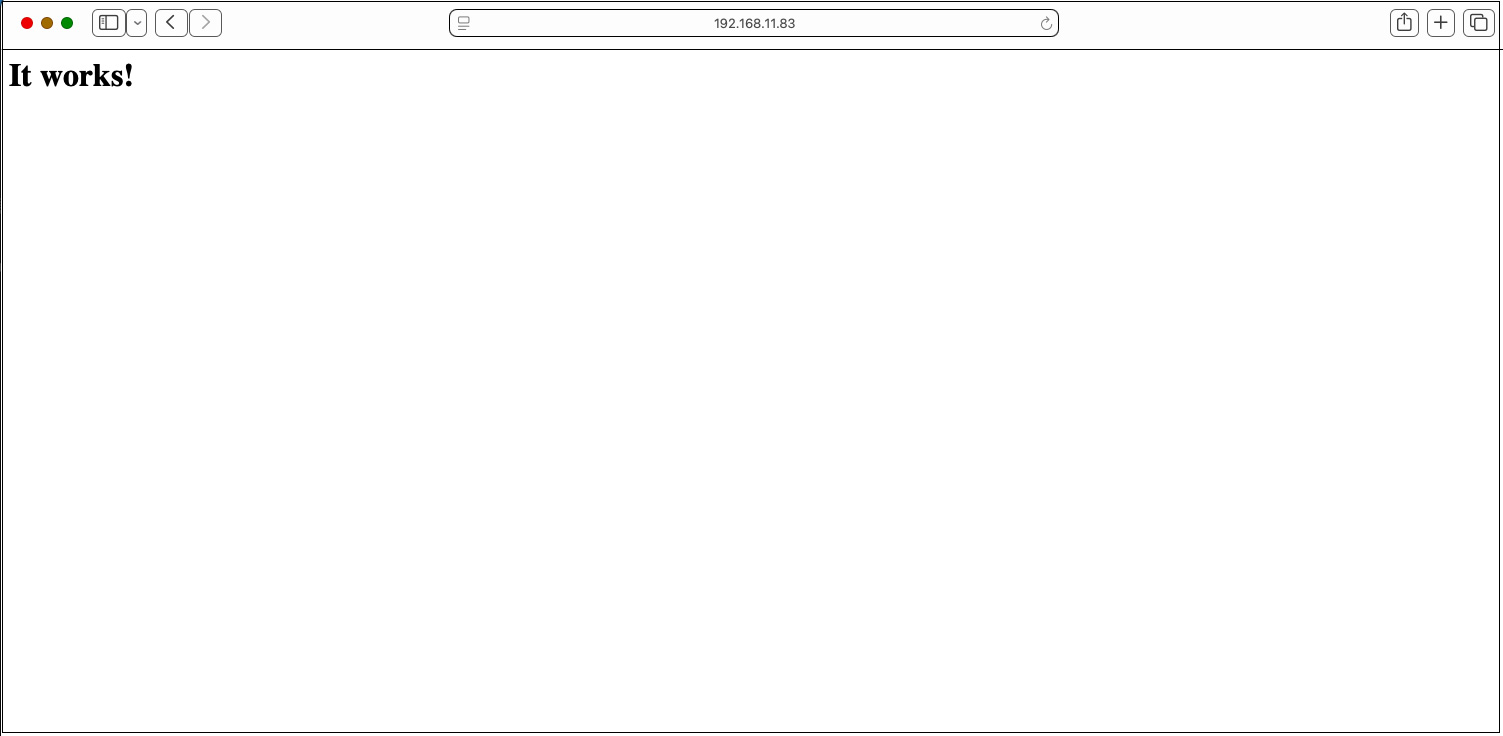
If you access the server from the client (http://server IP address [or domain name]) and see the following, it is normal.
1.4 Virtual Host Settings
document root: /usr/local/www/apache24/data/[FQDN]/
Domain : [FQDN]
Set up virtual hosts
|
1 2 3 |
# vi /usr/local/etc/apache24/httpd.conf Fill in the following at the end Include etc/apache24/extra/bsd-vhost.conf |
Create new bsd-vhost.conf under /usr/local/etc/apache24/extra (You can name bsd-vhost anything you like)
|
1 2 3 4 5 6 7 8 9 10 11 12 13 14 15 16 |
# cd /usr/local/etc/apache24/extra # vi bsd-vhost.conf Created with the following content <VirtualHost *:80> ServerAdmin Administrator's email address DocumentRoot "/usr/local/www/apache24/data/[FQDN]" ServerName [FQDN] ErrorLog "/var/log/httpd/[FQDN].error_log" CustomLog "/var/log/httpd/[FQDN].access_log" common </VirtualHost> <Directory /usr/local/www/apache24/data/[FQDN]> AddHandler cgi-script .cgi Options FollowSymlinks Includes AllowOverride All Require all granted </Directory> |
directory creation
|
1 2 3 4 5 |
# mkdir /var/log/httpd # mkdir /usr/local/www/apache24/data/[FQDN] # chown -R www:www /usr/local/www/apache24/data/[FQDN] |
Apache restart
|
1 2 3 4 5 6 7 8 |
# service apache24 restart Performing sanity check on apache24 configuration: Syntax OK Stopping apache24. Waiting for PIDS: 56749. Performing sanity check on apache24 configuration: Syntax OK Starting apache24. |
1.5 apache24 - Running cgi
p5-CGI Installation
Use the following command to check if it is installed
(To use portversion, you must have portupgrade installed beforehand.)
|
1 2 |
# portversion -v | grep p5-CGI [Reading data from pkg(8) ... - 133 packages found - done] |
If it is not installed, install it with the following command
|
1 2 3 |
# cd /usr/ports/www/p5-CGI # make # make install |
httpd.conf editing
|
1 2 3 4 5 6 7 8 9 10 11 12 |
# vi /usr/local/etc/apache24/httpd.conf Line 166,169 : Uncomment <IfModule !mpm_prefork_module> LoadModule cgid_module libexec/apache24/mod_cgid.so </IfModule> <IfModule mpm_prefork_module> LoadModule cgi_module libexec/apache24/mod_cgi.so </IfModule> Line 431 : Uncomment AddHandler cgi-script .cgi |
Apache restart
|
1 2 3 4 5 6 7 8 |
# service apache24 restart Performing sanity check on apache24 configuration: Syntax OK Stopping apache24. Waiting for PIDS: 56818. Performing sanity check on apache24 configuration: Syntax OK Starting apache24. |
2. apache24 - PHP 8.4
2.1 PHP Install
Check which PHP versions can be installed
|
1 2 3 4 5 |
# pkg search php | egrep '^php[0-9]+-[0-9]' php82-8.2.30 PHP Scripting Language (8.2.X branch) php83-8.3.29 PHP Scripting Language (8.3.X branch) php84-8.4.16 PHP Scripting Language (8.4.X branch) php85-8.5.1 PHP Scripting Language (8.5.X branch) |
As mentioned above, PHP 8.2, 8.3, 8.4, and 8.5 can be installed; in this case, we will install PHP 8.4.
|
1 |
# pkg install php84 |
2.2 php84-extensions Install
|
1 |
# pkg install php84-extensions |
2.3 mod_php84 Install
|
1 |
# pkg install mod_php84 |
2.4 PHP - initialization
①Configuration file "php.ini" setting
|
1 2 3 4 5 6 7 8 9 10 11 12 13 14 15 16 |
# cd /usr/local/etc/ # cp php.ini-production php.ini # vi /usr/local/etc/php.ini Line 699 post_max_size = 300M Line 851 upload_max_filesize = 200M Line 966 : Uncheck the time zone setting and add "Asia/Tokyo" [Date] ; Defines the default timezone used by the date functions ; http://php.net/date.timezone date.timezone = "Asia/Tokyo" |
➁httpd.conf editing
|
1 2 3 4 5 6 7 8 9 10 11 |
# vi /usr/local/etc/apache24/httpd.conf Line 284 : Use "index.php" as directory index <IfModule dir_module> DirectoryIndex index.html index.php index.cgi ←Add </IfModule> Per Line423 Add the following two lines. AddType application/x-httpd-php .php AddType application/x-httpd-php-source .phps |
Apache Configuration Check
If "Syntax OK" is displayed, it is normal
|
1 2 3 |
# service apache24 configtest Performing sanity check on apache24 configuration: Syntax OK |
Apache restart
|
1 2 3 4 5 6 7 8 |
# service apache24 restart Performing sanity check on apache24 configuration: Syntax OK Stopping apache24. Waiting for PIDS: 57824. Performing sanity check on apache24 configuration: Syntax OK Starting apache24. |
2.5 Enabling PHP-FPM
Since PHP-FPM is already installed, let's enable it.
|
1 2 |
# sysrc php_fpm_enable=YES # service php_fpm start |
Confirm
|
1 2 |
# service php_fpm status php_fpm is running as pid 1520. |
Editing the Apache configuration file
|
1 2 3 4 5 6 7 8 9 10 11 12 13 14 15 16 |
# vi /usr/local/etc/apache24/httpd.conf Delete the "#" at the beginning of lines 129 and 133 to enable "proxy_module" and "proxy_fcgi_module". LoadModule proxy_module libexec/apache24/mod_proxy.so LoadModule proxy_fcgi_module libexec/apache24/mod_proxy_fcgi.so Per Line 444-446 : Add below #AddType text/html .shtml #AddOutputFilter INCLUDES .shtml </IfModule> <FilesMatch "\.php$"> SetHandler "proxy:fcgi://127.0.0.1:9000" </FilesMatch> <FilesMatch "\.phps$"> SetHandler "proxy:fcgi://127.0.0.1:9000" </FilesMatch> |
Restart Apache
|
1 |
# service apache24 restart |
Create "info.php" in the document root of the web server
|
1 2 3 4 |
# vi /usr/local/www/apache24/data/[FQDN]/info.php <?php phpinfo(); ?> |
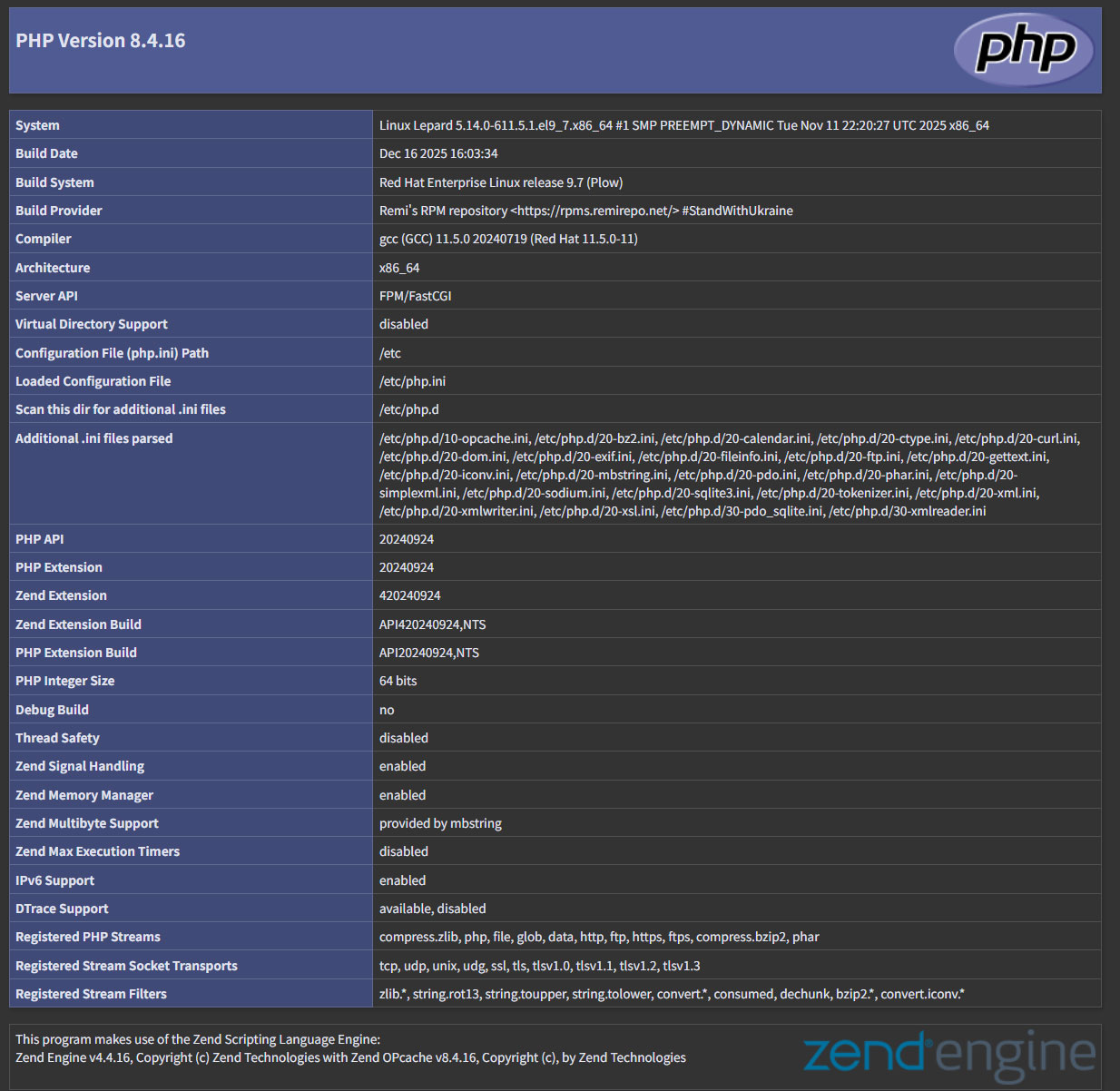
If you access "http://[FQDN]/info.php" with a browser and see the following, it is OK